Permissions per client
The company decides what the practice sees and does: payroll, contracts, documents, leave. A revoked link ends access at once.
For accounting practices
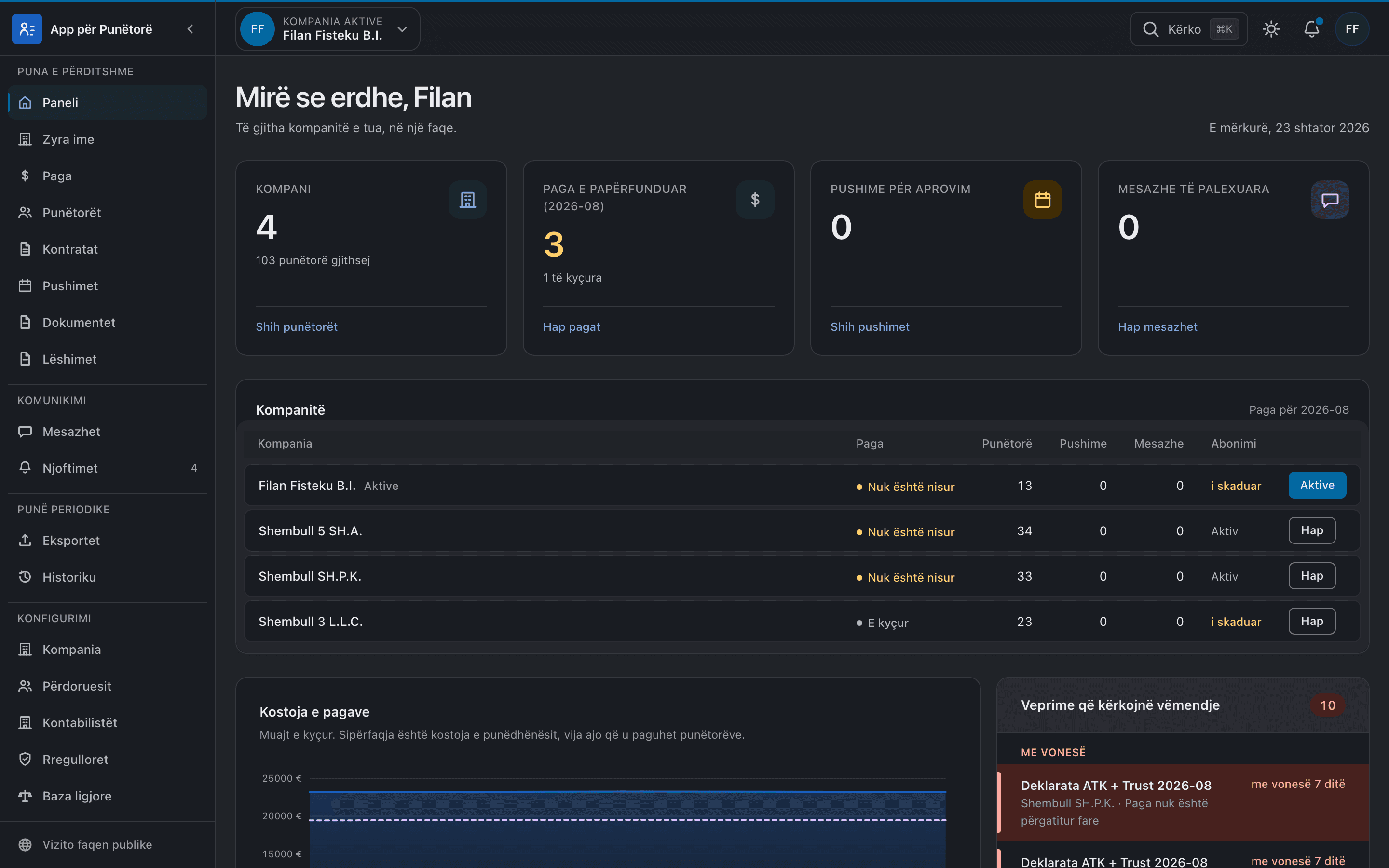
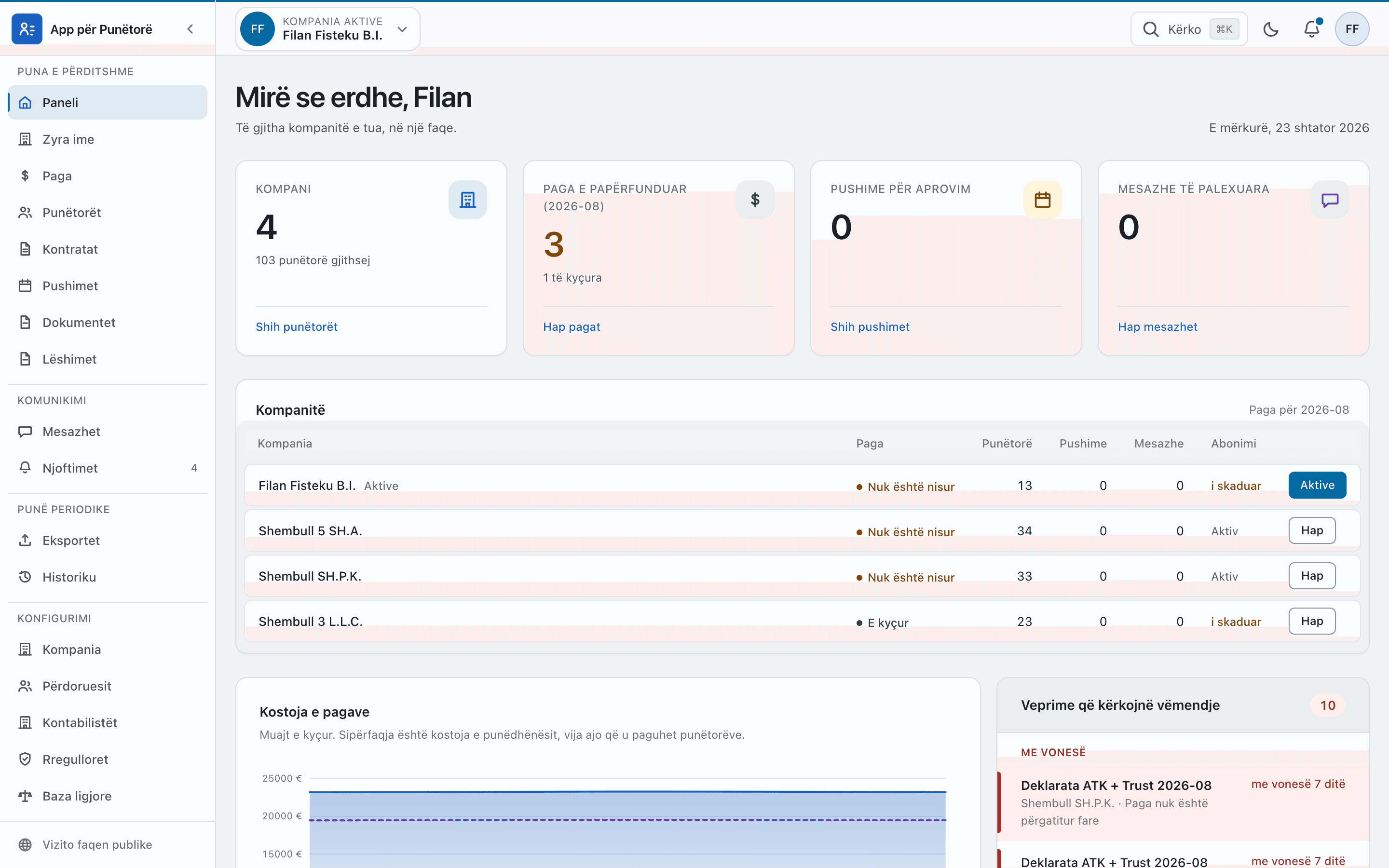
Move from one company to the next without signing out. Each client has its own payroll, its own permissions and its own deadlines; the practice sees them all on one page.
The month
The payroll fills from the contracts and the month’s hours. Lines that cannot be paid say why.
Line by line, with additions and deductions by pay code. Changes stay in the history.
After the lock the figures never move. Payslips are issued as documents, employees are told.
The ATK and Trust deadlines sit in the attention list with the days left, until the declaration is prepared.
For the practice
The client table
Every company with the month’s payroll state, headcount, pending leave, messages and subscription, in one row.
Deadlines in one list
Declarations, expiring contracts and ending probations, by urgency: overdue, this week, later.
The company decides what the practice sees and does: payroll, contracts, documents, leave. A revoked link ends access at once.
Excel under the same access rules as the screen. Files are kept for a limited time and deleted by themselves.
Conversations inside the platform, with files, so nothing gets lost in email.
The practice’s members with their roles; whoever leaves the practice loses access to every client at once.
Write to us with your number of clients and how you work today. We set up a demo with data like yours.